The Beige Emergency Bunker
The computer hummed with that specific, anxious energy reserved for machines that have just decided to think too hard about themselves. A grey screen flashed, displaying a black rectangle of text against a void of monochrome despair. It was the Boot Menu, and it was judging us. We knew what we had to do. It wasn’t about checking settings or tweaking options; it was about hitting F8 with the rhythmic precision of a pianist playing a funeral dirge.
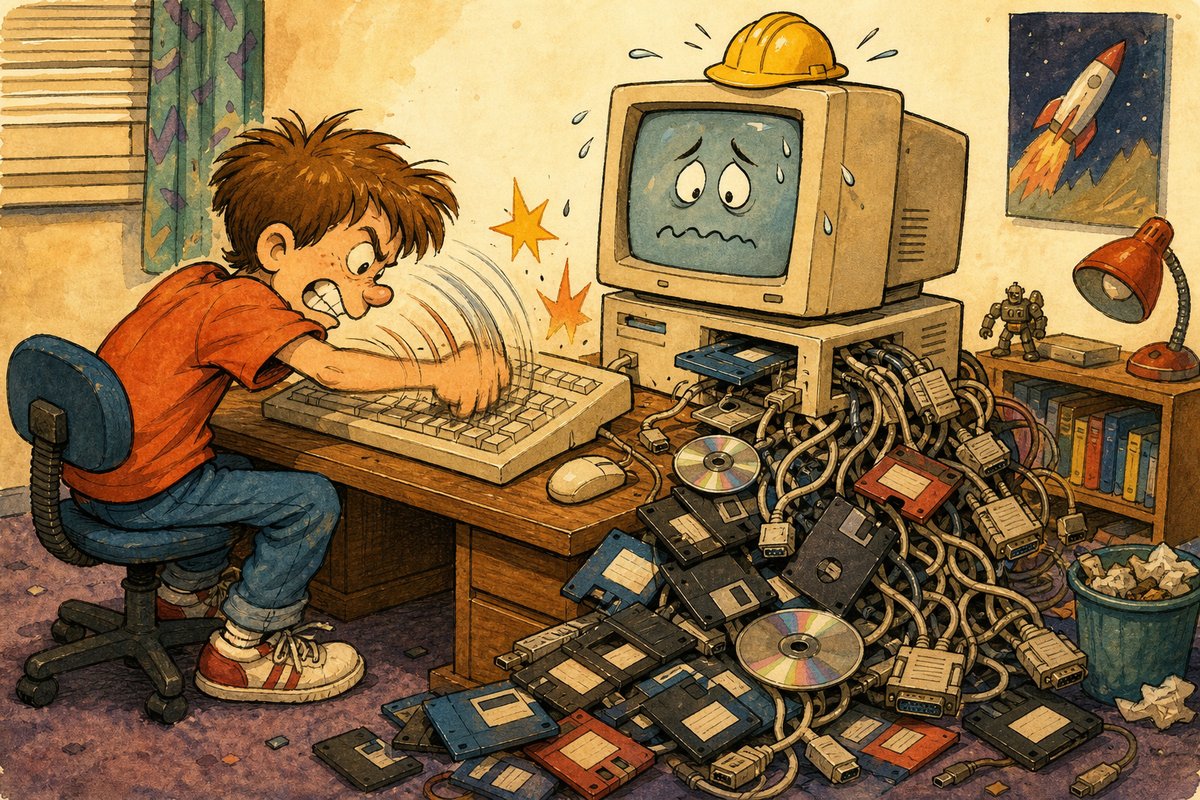
One-panel evidence: you hammered one function key during boot and hoped Windows entered its beige emergency bunker.
Press Enter repeatedly until the blue screen appeared. Hold Shift while clicking Restart if you were feeling fancy. Tap F8 like a nervous tic during the early boot sequence. Select “Safe Mode” from the list that looked like a grocery list for ghosts. Wait for the desktop to load in 16 colors or less.
We treated this ritual as a religious ceremony. If the computer froze on the loading bar, or if it started playing that screeching modem handshake sound for no reason, we were doomed unless we could summon Safe Mode. It was our digital exorcism. We would sit there, chin in hand, watching the progress bars crawl like snails on a hot sidewalk, hoping that this minimal environment would save us from the chaos of the full operating system. If it worked, we were wizards. If it didn’t, well, maybe restarting the computer again would help? Probably not. But hope was free.
Here is what we thought: Safe Mode was a secret bunker built into the hard drive where Windows went when it was tired of dealing with all those flashy icons and complex programs. We imagined it as a sparse, utilitarian room stripped of decoration, where only the most essential tools remained on the shelf. It felt like a sanctuary, a place of pure logic without the distraction of games or web browsers. We believed that by entering this bare-bones version of our digital home, we could fix whatever was broken in the real world, whether it was a missing file or just a general sense of technological anxiety.
   _______________
  /               \
 |  SAFE MODE      |
 |  [MINIMAL]      |
 |                 |
 |  Driver: Basic  |
 |  Service: None  |
 |_________________|
         |||
        (O)
The magic of Safe Mode was its simplicity. It stripped away the clutter we didn’t understand and left only what was necessary to keep the machine alive. We didn’t know why it worked, but we trusted it implicitly. It was our fallback position, our digital life raft in a sea of blue screens and error codes. And when it finally loaded, with its plain white windows and unadorned icons, we felt a surge of relief so profound it almost qualified as joy.
Safe Mode wasn’t just a troubleshooting tool; it was a reminder that sometimes, less is more.