The Wobble of Truth
The monitor glowed with that familiar sterile white cursor in a black void. It was time for Wing Commander. Or maybe Doom, if you were feeling aggressive about space marines. But before the explosions or the dogfights, there was the Gatekeeper. You had to prove your hardware wasn’t lying.
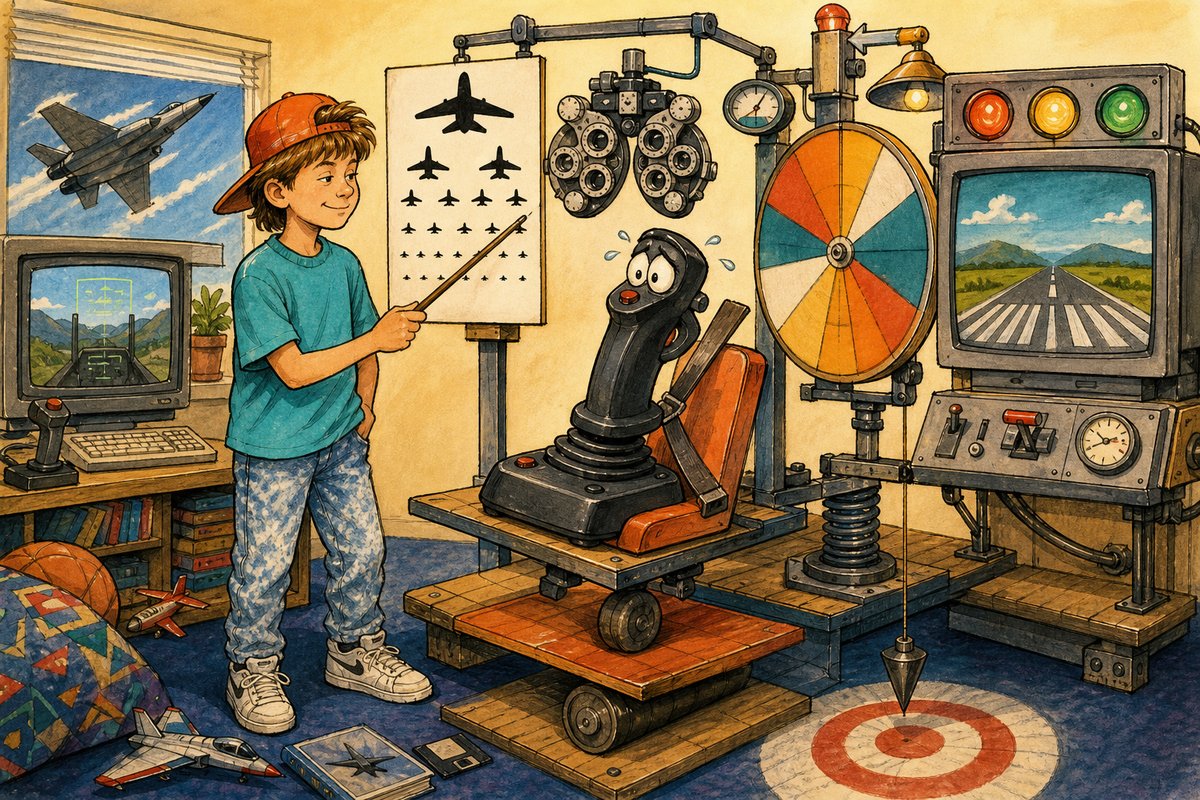
One-panel evidence: before flying the mission, you had to prove the joystick understood where the middle was.
You moved the stick. It went left. You moved it right. It went up, but only slightly. You slammed it down. The ship pitched forward like a startled horse. The game didn’t care if you were skilled; it cared if your plastic tube was honest.
So, we performed the Ritual of Centering:
- Unplug the joystick from the back of the beige tower.
- Wait for exactly five seconds, or until the cat stops staring at the port.
- Plug it back in with a firm, authoritative shove.
- Open the Control Panel and double-click “Joysticks.”
- Click “Calibrate” and wiggle the stick like you were trying to shake off rain while standing still.
The screen would ask you to move the axis to its limits. You’d push it all the way left, then all the right. The software listened. It watched your trembling hand. Did the stick actually go all the way? Or did the internal plastic hit a wall at eighty percent? If you cheated - if you stopped early - the game would remember that laziness forever. Every turn would feel sluggish, like steering a boat through molasses.
Here is what we thought: The joystick had a soul, and it was currently drifting toward the left side of the map because my thumb was sweaty. We believed the device was sentient enough to need a morning stretch before work. If you didn’t calibrate, the game was broken. If you did calibrate perfectly, you were a master pilot. It felt like magic, or at least competent engineering.
      .--.
     /    \
    |  O  |  <-- The Sensor Eye
    | __ |
   _|    |_
  (_______)
     |||
     |||  <-- Resistance Track
    -----
Here is what was really happening: Analog PC joysticks measured potentiometer resistance and often needed center/range calibration because components and timing varied. Inside that plastic shell, a resistor changed its electrical opposition as you moved the shaft. The computer read voltage drops to guess your position. But resistors aren’t perfect twins; one might be slightly more resistant than another due to manufacturing tolerances or just age. The “calibration” process simply told the software: “Okay, when I see this much resistance on the left, that’s max left. When I see this little bit in the middle, that’s neutral.” It was a manual map of physical reality to digital coordinates. Without it, your “straight ahead” might actually be forty-five degrees toward the enemy’s cockpit.
We spent years believing the stick needed emotional reassurance. In truth, it just needed a voltage reference check. But did we care? No. We cared that the X-Wing finally turned where we told it to.
If your joystick drifts today, don’t worry. It’s not haunted. It’s just analog and tired.