The Corner Where Everything Began
There was a specific sound that defined our childhoods, though we didn’t know it then. It wasn’t the dial-up screech or the hum of the CRT monitor warming up. It was the distinct, plastic click of the mouse button pressed against the bottom-left corner of the screen. We were children of the rectangular interface, raised by one small button that promised access to everything if we clicked it with enough conviction.
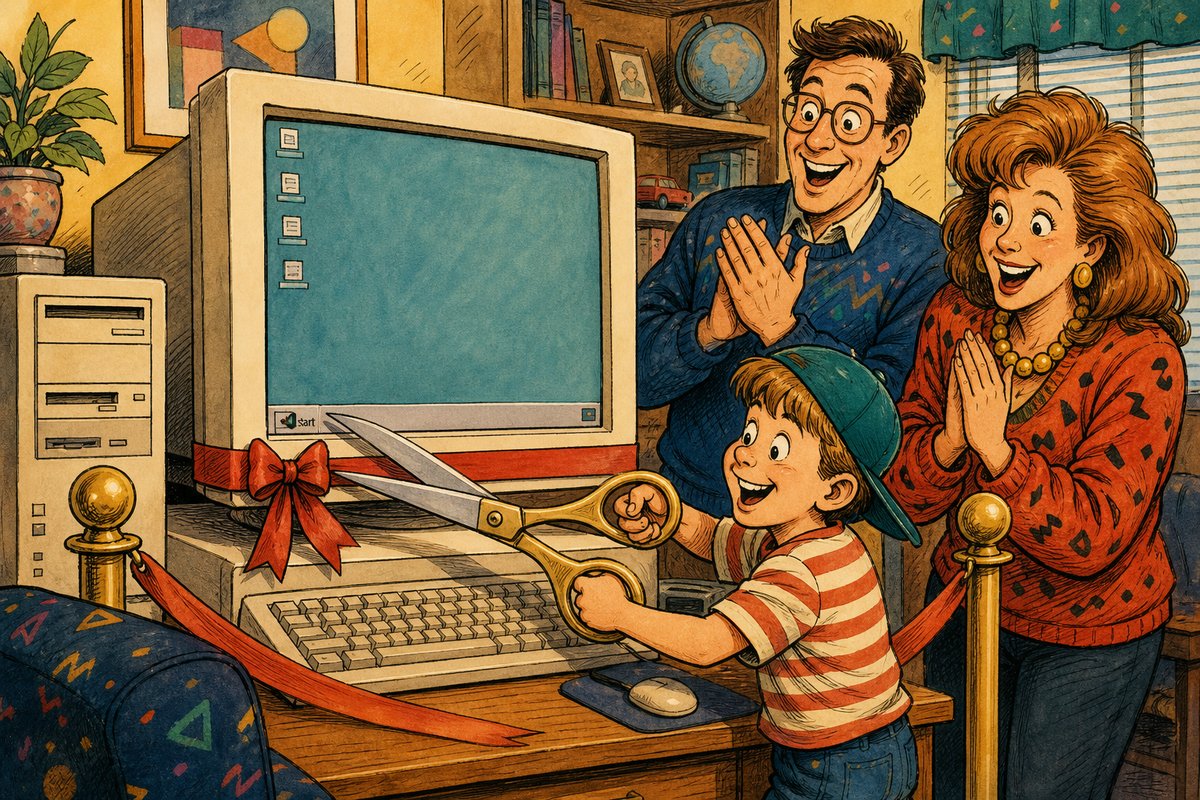
One-panel evidence: microsoft put one button in the corner and taught an entire generation where computing began.
The ritual was precise and repeated thousands of times. Before you could play Doom or type your first email in MS Word, you had to perform the Opening Ceremony:
- Wake the sleeping beast (press the power button).
- Wait for the gray void to resolve into a desktop wallpaper.
- Hover the mouse cursor over the bottom-left corner until it became a target.
- Click the Start button with decisive authority.
- Stare at the sudden menu, feeling like you had unlocked a treasure chest.
It felt magical because the screen was previously empty. You clicked, and suddenly, the computer spoke back. It wasn’t just an icon; it was a portal. We treated that corner button with reverence, clicking it even when we didn’t need anything, just to hear the menu slide out or to watch the “Shut Down” dialog box appear. It was our primary point of contact with the digital world, a single entryway into a vast, mysterious interior.
Here is what we thought: The Start button was a magical key that unlocked the computer’s soul. We believed it contained all knowledge, all games, and all settings in one place. We clicked it to see if anything had changed since yesterday, even though nothing ever did. It felt like opening a drawer full of tools, but instead of hammers and screwdrivers, there were programs and documents waiting for our command.
  _______________
 | Start         |
 |---------------|
 | Programs      |
 | Documents     |
 |Settings       |
 | Find          |
 | Help          |
 | Run           |
 | Shut Down     |
 |_______________|
In reality, Windows 95 centralized programs, settings, search, help, run, and shutdown under the Start menu. The genius was not that all of those jobs were new. It was that they now shared one predictable front door. Instead of wondering which window held the thing you needed, you could begin in the same corner every time.
We clicked it to launch games, look for help, change settings, or begin shutting the machine down. It became the anchor of our digital existence. It taught us where computing began: not with code, but with a click in the corner.
I still click there sometimes when I’m tired.