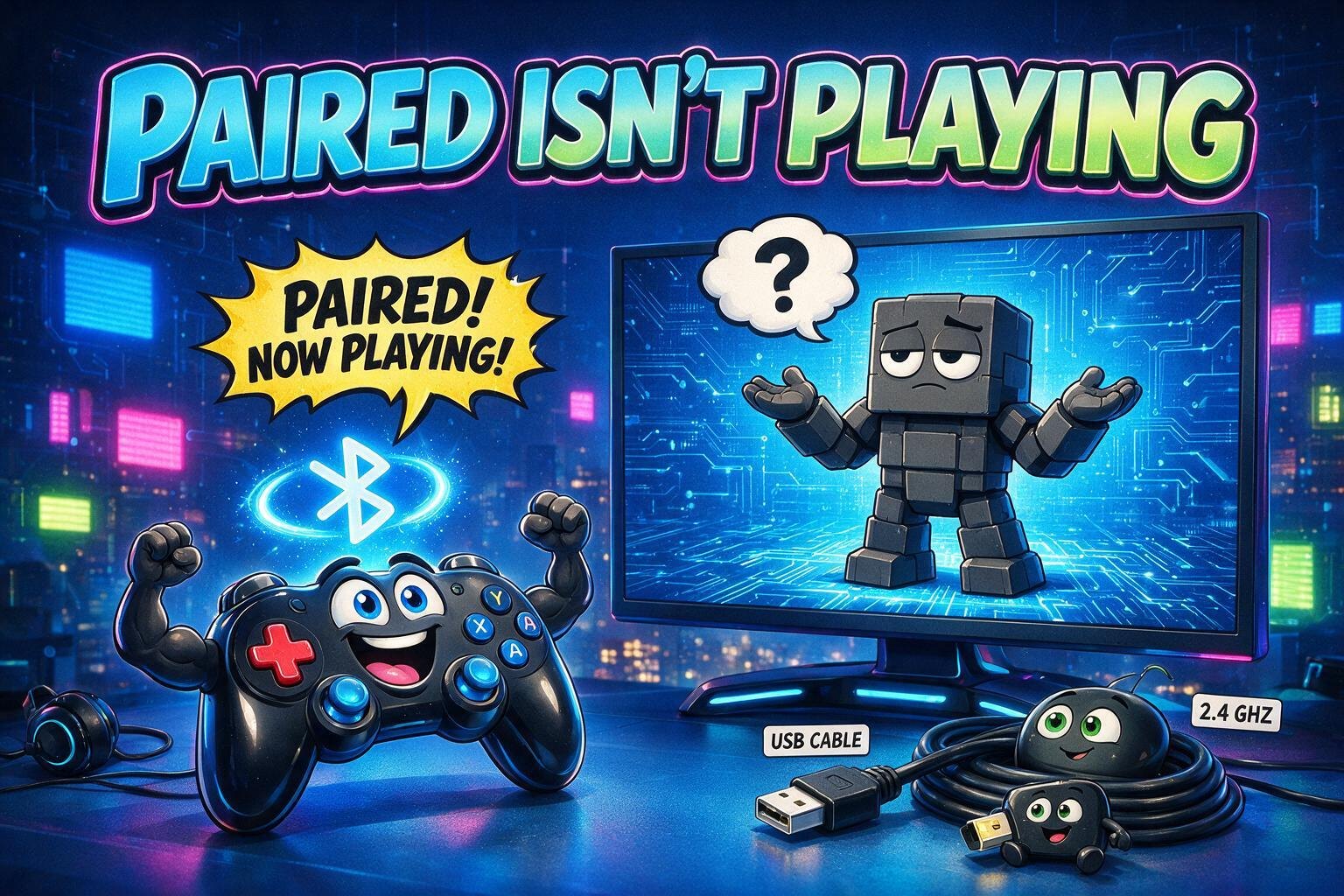
Windows said the controller was connected.
The controller agreed. Its light was on. Bluetooth settings showed a cheerful paired status. The game responded by pretending no controller existed.
This is a perfect example of the difference between transport success and application compatibility.
“Connected” ends too early
A game controller has to cross several layers:
radio or cable
    -> Windows device
        -> driver/input API
            -> game support
                -> correct button mapping
Bluetooth proves the first hop and part of the second. It does not prove that the game expects the interface the controller exposes in that mode.
Some controllers present different identities over Bluetooth, a proprietary 2.4 GHz receiver, and USB. One mode may look like a modern XInput device. Another may expose a more generic HID or DirectInput layout. Games—especially ones designed around console conventions—do not support every combination equally.
Pairing is not mapping
When buttons appear wrong or nothing responds, inspect the controller before changing the game.
Useful checks include:
- does Windows’ game-controller panel show button and axis movement?
- what hardware identifier and input mode are active?
- does the controller have a physical or startup-button mode switch?
- does the same device work over USB?
- does its dedicated receiver expose a different identity?
- is a remapping layer creating a duplicate virtual controller?
A successful generic input test narrows the fault. It does not prove the target game supports that mode.
The boring connection often wins
USB is not glamorous, but it removes radio pairing, battery state, sleep behavior, and mode ambiguity from the investigation. A 2.4 GHz receiver can offer a similarly controlled path when the vendor designed it specifically for the controller.
Bluetooth is valuable when its convenience outweighs the compatibility tax. It is not automatically the best wireless mode just because it is the most universal radio.
For a living-room setup, I care about a different metric: can someone pick up the controller, press a button, and play without opening settings?
That favors the path with the fewest identities and least recovery ceremony.
Battery behavior belongs in that decision too. Bluetooth controllers can reconnect differently after sleep, expose a different slot after another device pairs, or reappear after the PC resumes without becoming the input device the game expects. A dedicated receiver often hides more of that complexity behind one stable USB identity. The better connection is the one that still behaves predictably after the controller and computer have both been asleep—not the one that won a five-minute setup test.
Fix the accepted path, not every theoretical path
It is tempting to make Bluetooth, receiver, and wired modes all work in every game. That can become a small research project with little user value.
Choose the connection that meets the real goal. Verify it from cold start through gameplay. Document the mode and button used to enter it. Keep a wired fallback. Stop after the accepted path works reliably.
The controller was never truly “broken.” It was connected in a language the game did not speak.
The light meant the radio conversation had started. The first moving character was the real receipt.