September 5 update: Wispr failed on my Pixel again, and I paid for Letterly as an alternative even though I still prefer Wispr’s results. The investigation found an Android framework restart and failures in my recovery helper; it did not establish that Wispr caused the system crash. Read the updated failure report, evidence, and corrections.
I have tried enough voice-input tools to know the usual pattern. They are impressive for a day, awkward for a week, and forgotten by the end of the month.
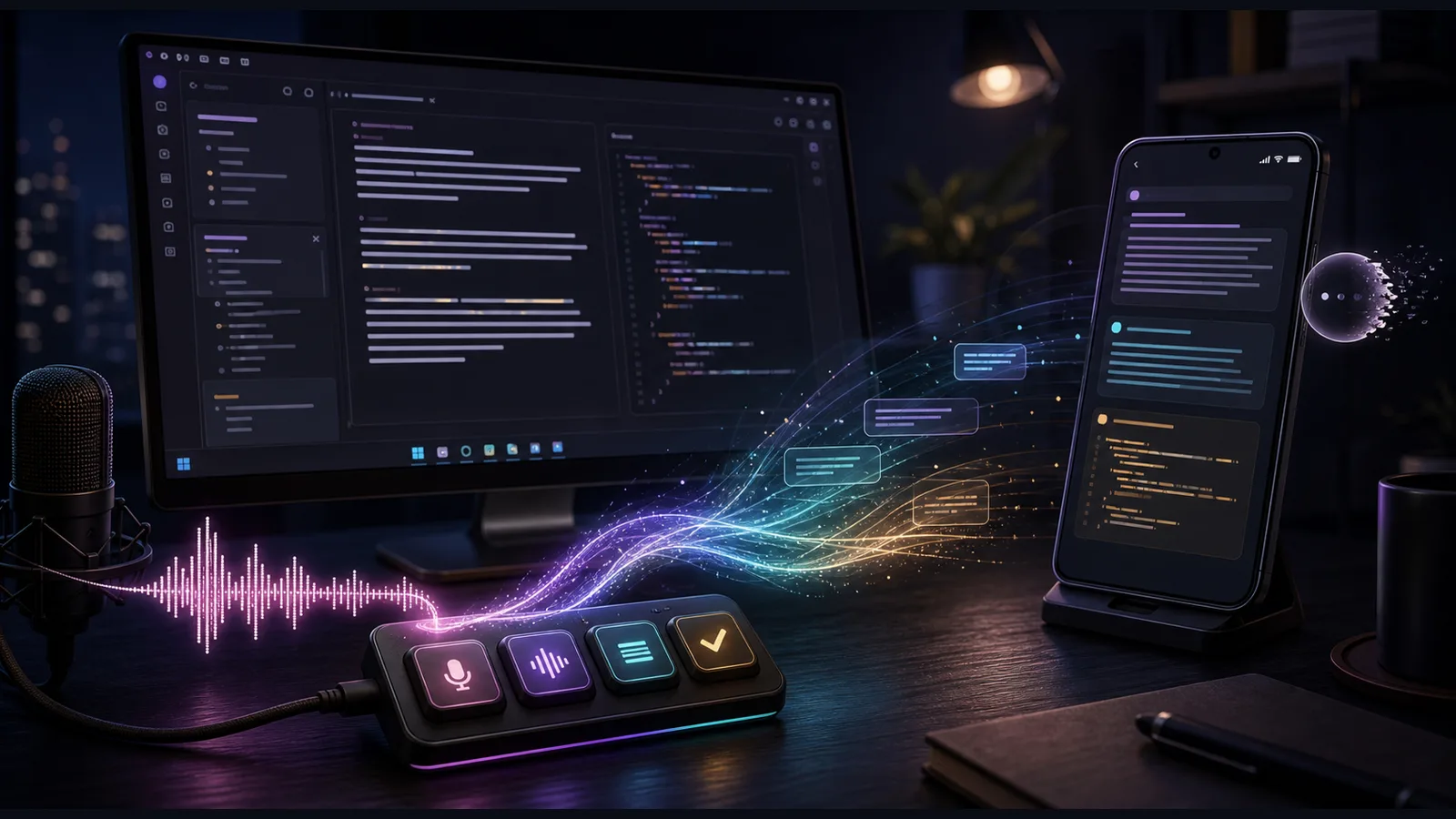
Wispr Flow has been different. I installed it, linked it to my account, customized it, and kept using it. I put its push-to-talk shortcut on one of the four keys of a little USB controller at my desk. Ctrl+F8 now turns speech into text without making me stop what I am doing and hunt for a microphone button.
That physical key matters more than the demo-reel AI. It turns dictation from a separate activity into an input method.
Flow is now how I dump a rough thought into ChatGPT or Codex, write a note before it evaporates, and get through longer technical explanations without forcing every sentence through a keyboard. It is also an unusually good test of the gap between what an AI heard, what I meant, and what finally appeared on screen.
My verdict after using it across Windows and Android is simple:
Wispr Flow is an excellent intent-preserving editor. It is not a verbatim transcript, and it should not be treated like one.
That distinction explains nearly everything I like about it—and nearly every place where it can get me in trouble.
Why it actually stuck
Normal phone dictation makes me adapt to the machine. I have to speak in a neat little stream, avoid pauses, and hope the timeout does not decide I am finished while I am still assembling the thought.
That is not how I talk when I am thinking. I pause. I restart. I swear. I jump ahead, back up, and insert the piece I forgot. When I am frustrated or improvising, I get faster and more bursty. A tool that demands broadcast-ready speech before it will produce useful text has already lost.
Flow tolerates the rough input and returns something closer to what I would have typed after editing myself. It removes filler, adds punctuation, fixes capitalization, and often turns a spoken pile of parts into a clean paragraph. The official product description is unusually accurate on this point: Flow is built to format and polish speech as it becomes text, not merely to dump raw speech recognition output into a box.
That makes it especially good for:
- AI conversations, where getting the complete intent onto the screen matters more than preserving every false start
- technical notes, where I need to keep moving while the idea is hot
- replies and drafts that would otherwise die in the gap between “I should write that” and opening the right app
- accessibility, because voice can bypass some of the physical and cognitive friction of keyboard-first software
The four-button controller completed the loop. One key starts Flow from wherever I already am. I do not have to change windows or break concentration. Flow’s desktop shortcuts are customizable, and its documentation covers push-to-talk, hands-free dictation, and paste-last-transcript controls. The important part is not the particular key combination. It is making voice input physically immediate.
If I had to explain why Flow survived when other dictation apps did not, I would not start with transcription quality. I would start with activation cost. A good tool that is one button away gets used. A great tool buried behind six taps becomes shelfware.
The one-button note machine
The same lesson carried over to Android.
I wanted a capture path that did not punish pauses and did not require me to organize the thought before recording it. The workflow I ended up building was deliberately simple:
- Hold a hardware button.
- Open a blank, multiline Flow note.
- Talk for as long as the thought takes.
- Confirm it.
- Append the result—with a timestamp—to my running quick-note file.
It does not overwrite the previous note. It does not make me choose a folder while I am still thinking. It just catches the thought and hands it to the place I already use for rough notes.
That is a better use of AI dictation than trying to make every voice memo into a pristine document. Capture first. Sort later. The tool’s job is to reduce the distance between a thought and a durable piece of text.
Flow has its own Android quick-note behavior and floating controls, but the value came from fitting it into my workflow rather than accepting the default app journey. A personal dictionary and snippets help for recurring names, acronyms, and phrases. Context helps it decide whether I probably meant a technical term or an ordinary word. The system gets better when I teach it the vocabulary of my actual day instead of expecting a generic model to know everything.
The Android bubble is the weak link
The desktop experience has been steady. Android has been more complicated.
On both my Pixel and a TCL phone, the Flow icon or floating bubble has vanished. Sometimes the keyboard still appears, but the Flow affordance does not. On the TCL, recovery worked and then the problem came back later. That recurrence matters: a one-time fix is not the same thing as a reliable system.
The reason is not mysterious. Flow on Android depends on a small stack of special permissions: the floating overlay, accessibility access, and the operating system’s willingness to keep the relevant service alive. Wispr’s own Android setup guide says the app needs “display over other apps” and Accessibility Service permissions, and that a warning symbol on the bubble can indicate revoked accessibility access. The company currently describes Android as a beta experience in its platform guide.
That beta label matches my experience.
I eventually built a conservative self-heal around the recurring TCL failure. It does not blindly poke the phone every time an icon disappears. It waits for the same fault to appear twice, rate-limits repairs, and preserves the other enabled accessibility services. That is overkill for a normal consumer—but it is also evidence that the bubble is not yet something I would trust as the only path into a critical workflow.
The practical Android recovery order is:
- Check whether Flow still has Accessibility Service permission.
- Check its permission to display over other apps.
- Open Flow directly and confirm the floating control is enabled.
- Reboot only after checking the permissions, because a reboot that leaves the cause untouched is not a repair.
If the bubble keeps disappearing, record the conditions instead of performing random rituals. Was battery optimization active? Did the accessibility permission revoke? Did it happen after an update or reboot? A repeatable failure with evidence is fixable. A collection of desperate taps is not.
Sometimes the transcription is fine and the app is the problem
I hit another failure in MobaXterm: Flow showed that it was recording, but the words did not reliably appear in the terminal. Copy and paste were acting strange too.
That looked like a speech-recognition problem. It was not.
Flow had captured the speech. The failure was at the last inch, where the finished text had to be inserted into an application with its own terminal keyboard and paste rules. Fixing the native MobaXterm key routing solved the useful part without breaking my Flow configuration or the four-key shortcut.
This is an important troubleshooting distinction:
microphone → recognition → cleanup → clipboard/keystrokes → target app
“It heard me but no text appeared” can fail at any arrow in that chain. Reinstalling the dictation app is a bad first move if the target program is swallowing the paste event. Before tearing up a working configuration, test the same phrase in a plain text editor. If it appears there, recognition is probably not the problem.
What Flow changes when it cleans me up
I ran a more deliberate speech test because “it seems good” is not enough for technical use.
The result was reassuring and cautionary at the same time.
In normal spontaneous speech—including filler, profanity, restarts, and technical discussion—Flow usually preserved my meaning. It handled terms such as DMARC, DKIM, and SPF correctly when I used them in context. A rambling Area 51 story came back cleaner but semantically intact. Carrier sentences helped it choose the intended word when isolated minimal pairs were ambiguous.
But Flow also proved that it is willing to edit.
Some isolated word pairs changed or disappeared. Phrases such as “beside” versus “inside,” or “plain towels” versus “clean towels,” could move in the wrong direction. Improvised singing and lyric-like material were rewritten substantially. The polished result often sounded more coherent than the raw speech, but it was not a court reporter’s record of what left my mouth.
That behavior is a feature until the exact wording is the data.
I trust Flow for:
- getting the intent of a long AI prompt onto the screen
- turning an unstructured thought into a readable note
- drafting a message I will review before sending
- explaining a technical problem where the surrounding context disambiguates the terms
I verify Flow carefully for:
- IP addresses, commands, ticket numbers, prices, dates, and medication names
- quotations or anything represented as somebody’s exact words
- names and unfamiliar proper nouns
- short phrases where one changed word reverses the meaning
And I do not use the polished output as the only record for a consequential conversation.
The doctor-visit gap
The missing feature I keep circling is meeting capture.
I do not need another corporate meeting bot hovering in every call. The real use case for me is a doctor visit: preserve the discussion, recover the action items, and give me something I can analyze later when I am not trying to listen, remember, and ask the next question at the same time.
Wispr now advertises a Notetaker and voice memos, but its current pricing and feature page lists those features as Mac-only. That does not solve my Windows-and-Android version of the problem.
Could I record a visit and analyze it later? Technically, yes—with the consent and recording rules that apply where the conversation happens. But the right source would be the original audio plus a transcript, not a cleaned Flow paragraph. For medical instructions, the distinction between “what was said” and “what an AI inferred I meant” is too important to collapse.
This is where Flow and a product such as Letterly stop being simple substitutes. Flow wins my daily use because it lives at the point of typing. A voice-note or meeting product can be better when the recording itself is the artifact. I do not need to replace Flow to cover that gap; I need the right second tool and a clear boundary between the jobs.
The privacy switches deserve real attention
Voice input feels lightweight because it disappears into text. Underneath, it can involve audio, application context, screen content, cloud processing, and stored transcripts. That deserves more than clicking through the onboarding screens.
Wispr documents two relevant modes. Cloud Sync can store transcript data in the account; Privacy Mode keeps more data local and limits some context features. The company says users can control whether their data is used for model improvement, and it describes zero-data-retention arrangements with some third-party processors. Its privacy-mode documentation is the place to read the tradeoffs rather than guessing from the setting name.
Context Awareness is useful precisely because it can look beyond the audio. Depending on platform and settings, Wispr says that context may include the active app, nearby text, screen content, selected files, screenshots, or conversation history. Password fields are excluded, but the company notes that a custom web form may not always be identified as a password field. Read the Context Awareness documentation and choose the setting deliberately.
There is also a current documentation inconsistency worth knowing before a business or healthcare deployment. Wispr’s public privacy page advertises SOC 2 Type II and ISO 27001. Its more detailed security and compliance FAQ says the current status is SOC 2 Type I, with a Type II observation period and ISO 27001 certification work underway after an earlier auditor issue invalidated previous reports. That does not prove the product is unsafe. It does mean a buyer should request the current report and verify the attestation instead of relying on a badge or a marketing sentence.
My personal operating rule is straightforward: do not dictate passwords or secrets, review the model-improvement and sync settings, use Privacy Mode when the context is sensitive, and verify the current compliance evidence before putting regulated work through it.
What I would improve next
Flow already clears the hardest hurdle: I want to use it. The improvements I care about now are less glamorous than model benchmarks.
- Make the Android bubble boringly reliable. An input method cannot randomly disappear.
- Bring recording and meeting capture to Windows and Android. The doctor-visit use case should not require a Mac.
- Expose the boundary between transcript and rewrite. Let me compare the recognized wording with the polished wording when exact language matters.
- Make insertion failures diagnosable. If Flow captured the text but the destination rejected it, tell me where the chain broke.
- Keep expanding personal controls. Dictionary entries, snippets, app-specific style, and hardware shortcuts do more for daily usefulness than another generic “AI writes faster” claim.
The verdict
Wispr Flow is the first dictation app I have integrated deeply enough to annoy me when it disappears.
That is praise.
It has earned a dedicated hardware key on my desk. It catches thoughts that would otherwise be lost. It lets me speak in the messy, stop-and-start way I actually think and produces text that is usually ready to use. It works in the apps where I already write instead of demanding that I live in its editor.
But I use it as an intelligent writing layer, not as ground truth.
When the goal is communicate what I mean, Flow is excellent. When the goal is preserve exactly what was said, I want the recording, a faithful transcript, and human review. When no text appears, I check the entire input chain before blaming recognition. On Android, I treat the floating bubble as beta infrastructure, because that is what it has behaved like. And when the content is sensitive, I configure the privacy and context settings instead of assuming the defaults match my risk.
The best tools do not merely perform well in isolation. They fit the person using them. For me, the winning combination was Flow’s cleanup, one physical button, a personal vocabulary, and a few carefully engineered escape hatches for the places where software still gets weird.
That is much more useful than perfect dictation in a demo.