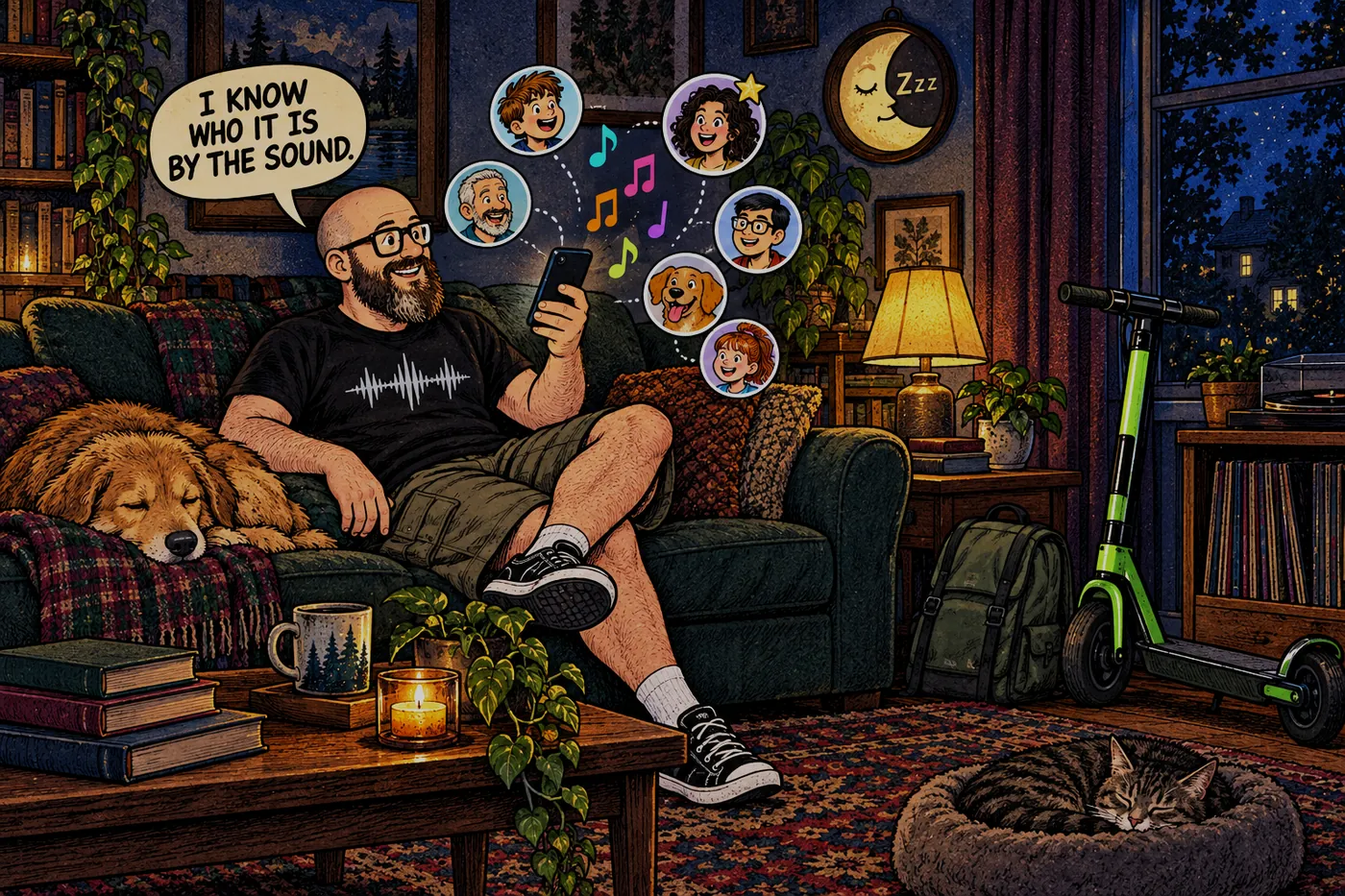
Once it's your app, "I wish it could…" stops being a complaint and turns into a to-do item.
Version 0.3, the same night
Version 0.2 went live at 6:27 PM on September 23. Version 0.3 went live at 7:38 PM. That hour was mostly testing, because the features had been built that afternoon alongside everything else. Here’s what I got.
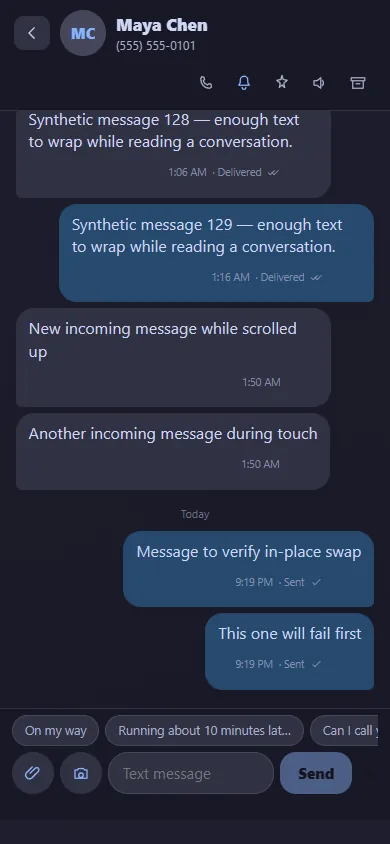
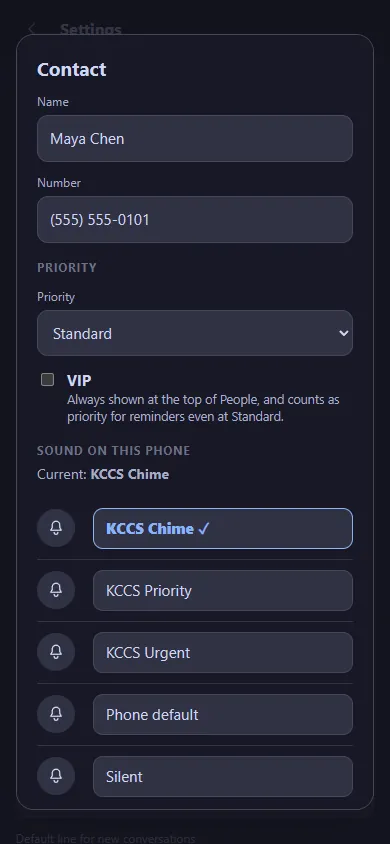
A sound for every person. Each contact can have its own notification sound and vibration. Under the hood, the app makes a separate Android notification channel for each person, since that’s the only way Android lets an app give different alerts different sounds. Now I know who’s texting before I look.
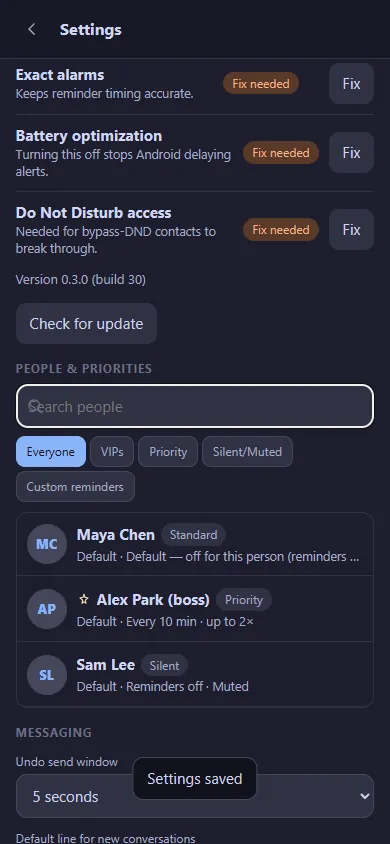
Priorities and VIPs. Every contact is Standard, Priority or Silent, and anyone can be a VIP. VIPs sit at the top of my People list and always count as priority.
Reminders that don’t quit. If a priority text sits unread, the app reminds me again, on a schedule I set per person (every 10 minutes, up to twice, for example). Reading it or replying cancels the reminders. They survive the phone rebooting, too.
Quiet hours and snooze, so all of the above leaves me alone at night unless it really matters.
A setup checklist. Android has a handful of settings that silently wreck alerts: battery optimization, exact alarms, Do Not Disturb access. The settings screen checks each one and gives you a Fix button that jumps straight to the right system page.
The upgrade trick
Here’s a small detail I love. The first rebuilt app had been installed under a test package name. Instead of switching to a “proper” name and making me log in again and redo every contact’s sound, the real release kept that package name and signing key. Android treated each new version as an update, so my login and all my per-contact sounds carried over every time. Not pretty, but it worked every time.
Goodbye to the old app
For about a day I had two apps on my phone with the same name: the old React Native one and the new one. Same name, different insides. I asked Leo to get rid of the old one, and it came off both phones. Its 7-second polling stopped for good on September 24.
The desk page
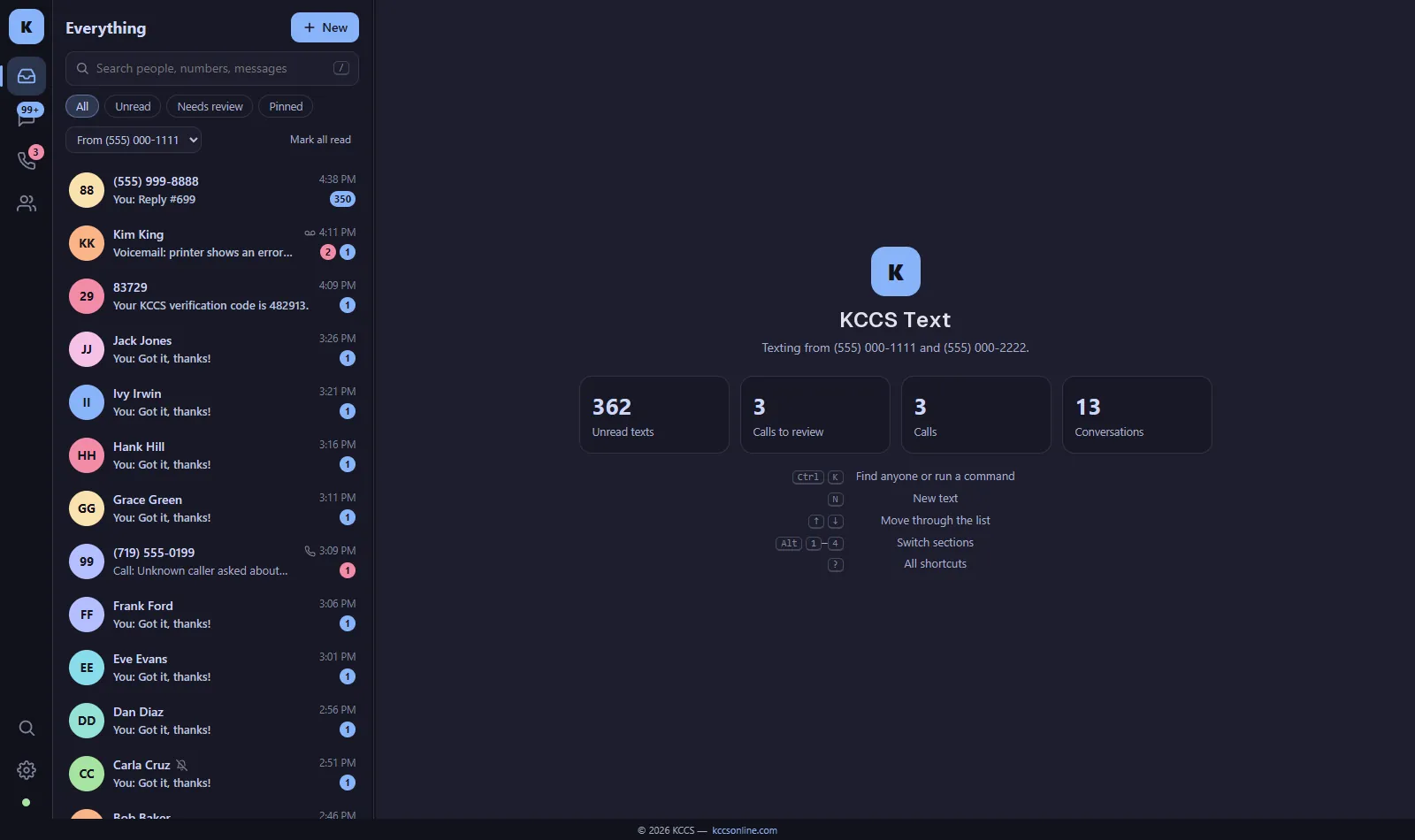
Most of my day is at a PC, so on September 24 the same server got a desktop page: texts and calls in one list, call and voicemail cards right inside each conversation, keyboard shortcuts for everything, and a Ctrl+K search box for jumping to anyone. It went through 31 automated checks before going live that night.
Voicemail moves in
My office phone system already turned voicemails into emails and transcripts. On September 26 the app got a Voicemail button with a badge. Tap it to play a message, read the transcript, call back or mark it heard. There’s a second tab for “AI took a message,” which you’ll understand after the next message.
The same weekend the app learned to open on my main line by default. My server sends from more than one number, and the app had been guessing.
The full test
On September 26 we test-called every line I own and sent test texts across all of them: 22 calls and 9 texts. It found one problem I never would have guessed. One of my phones had been sitting on manual Do Not Disturb since the 22nd, so calls rang silently and showed up as missed. No app bug. Just a setting. That’s exactly why the setup checklist exists.